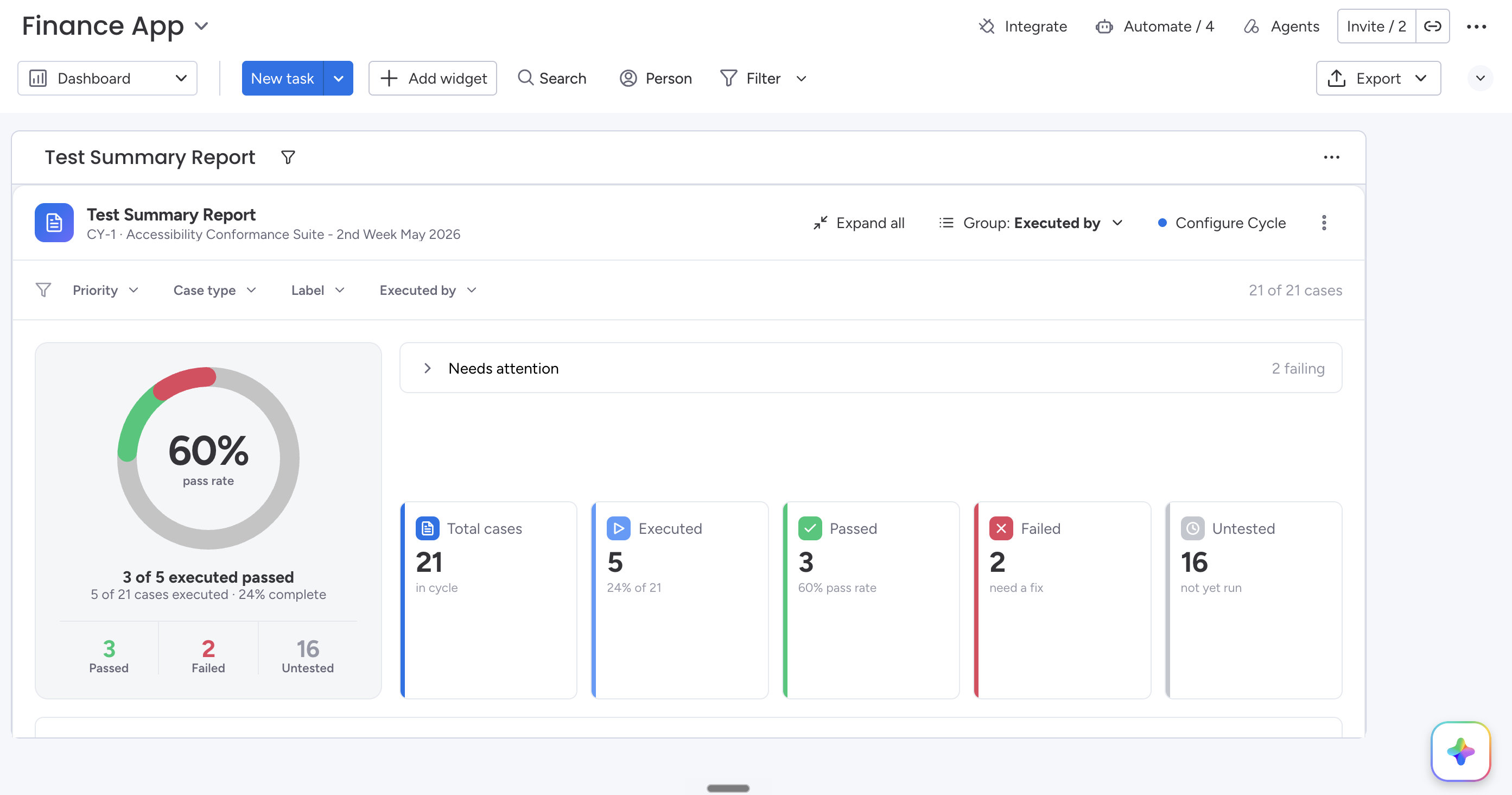
Getting Started
Add the Test Summary Report widget to a monday.com dashboard and report across one or more test cycles.
Getting Started
Prerequisites
- At least one Test Cycle
- Test Cases added
- Test execution started
Add the Widget
- Open your monday.com Dashboard.
- Add Test Summary Report.
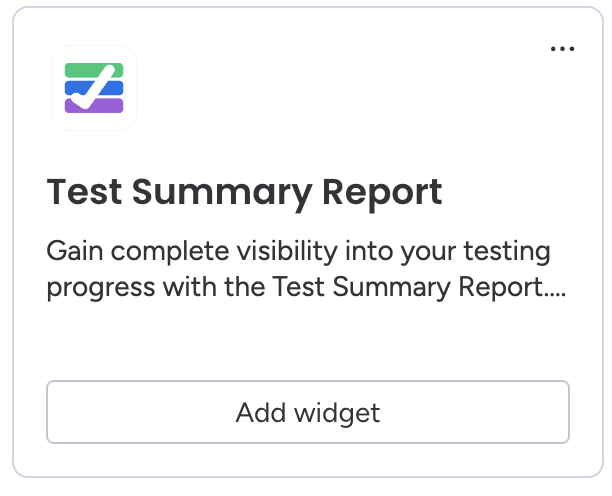
- Select your board.
- Choose one or more Test Cycles.
- Click Save.
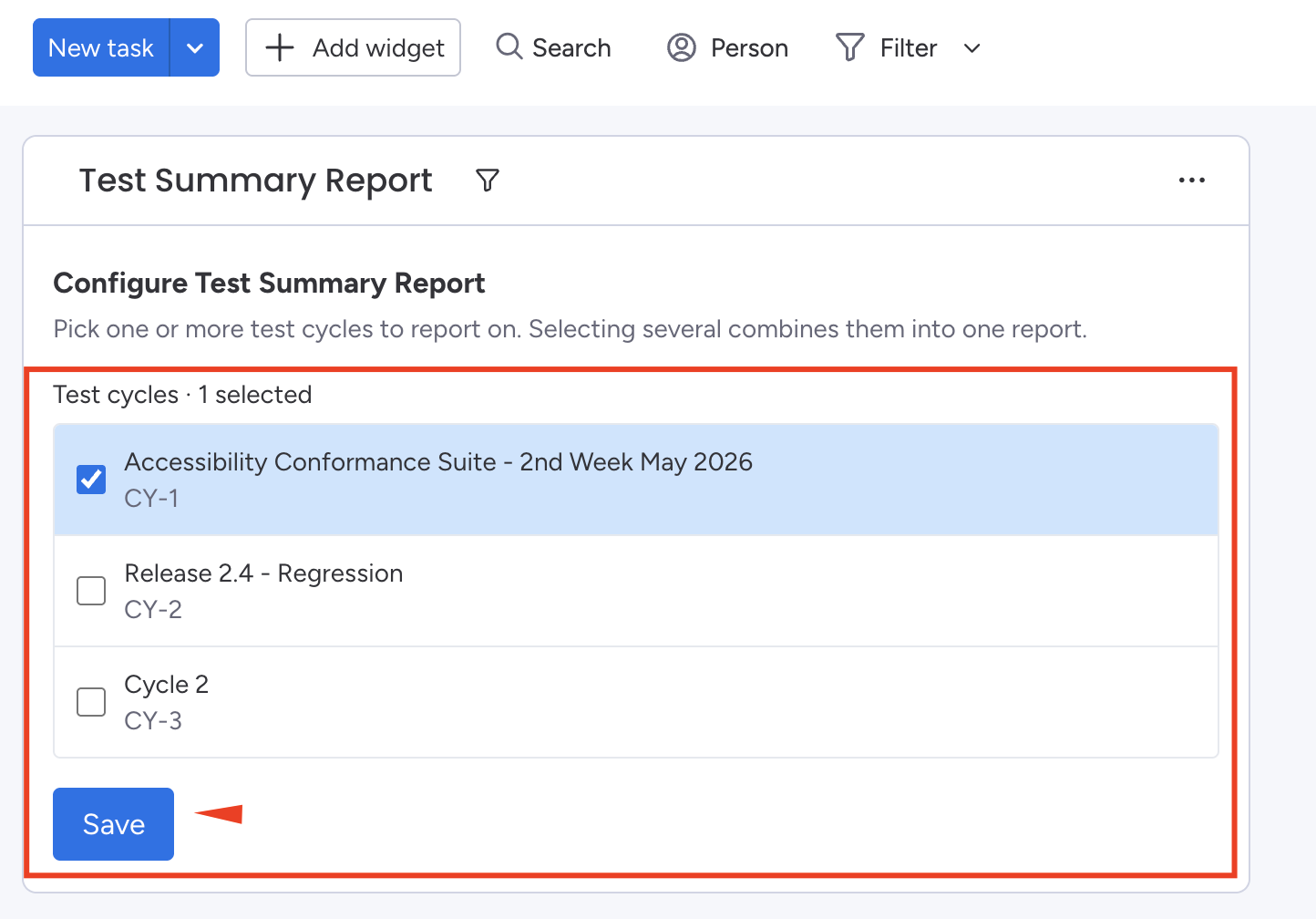
Select Test Cycles
You can report on one or multiple cycles simultaneously.