Creating Your First Test Case
Author a test case with steps, expected results, and labels.
A test case describes what to test and how to verify it. In TestBoard, test cases live on your boards under your items or under a Test Set in the Manage Test Cases view, so they stay close to the work they validate.
Where to create a test case
You can author a test case from two places, depending on whether you’re working from a single item or managing the board’s full library:
- From a monday item - open the item, then go to the Test Cases view. Use this when you want to add a case directly to the work it validates.
- From the board - open Manage Test Cases. Use this to work with the whole board’s test library in one place.
Open the Test Case view
Whichever entry point you start from, the steps are the same:
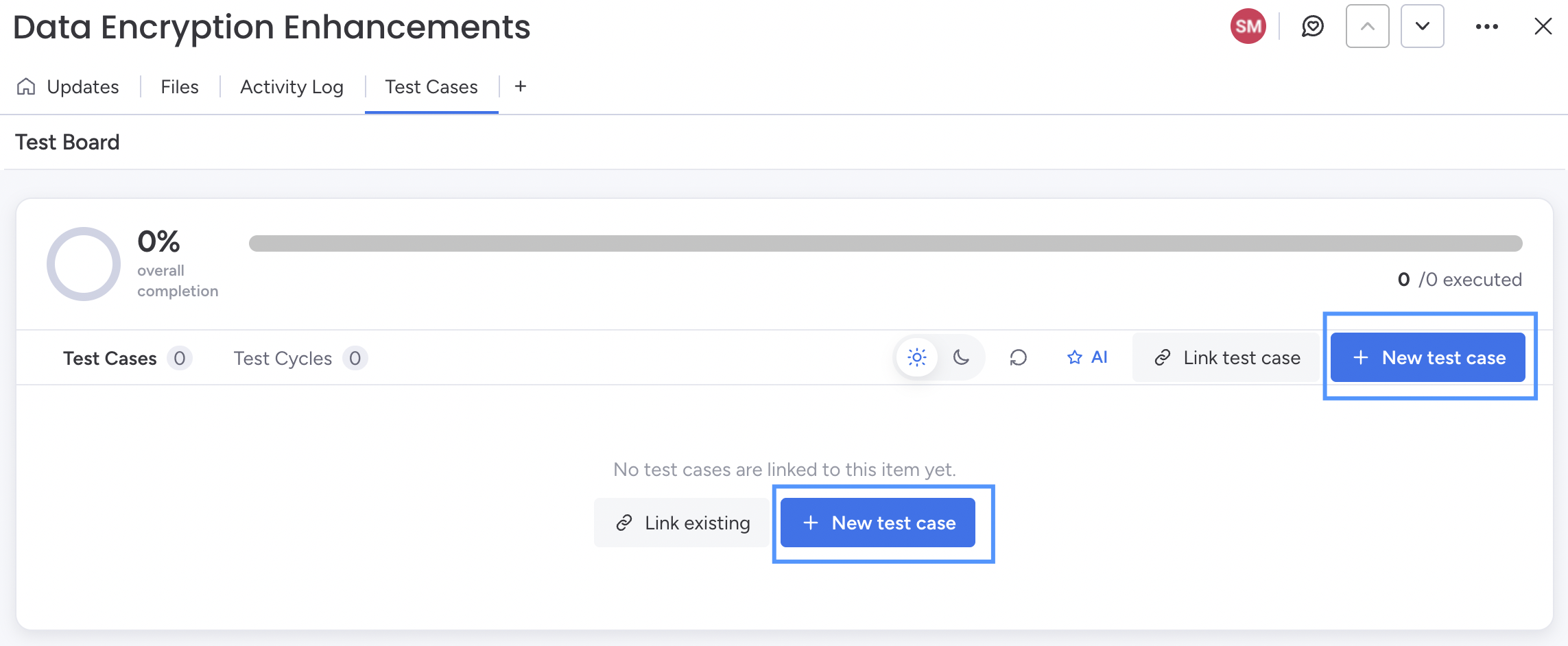
- Go to the Test Cases tab.
- Click + New test case.
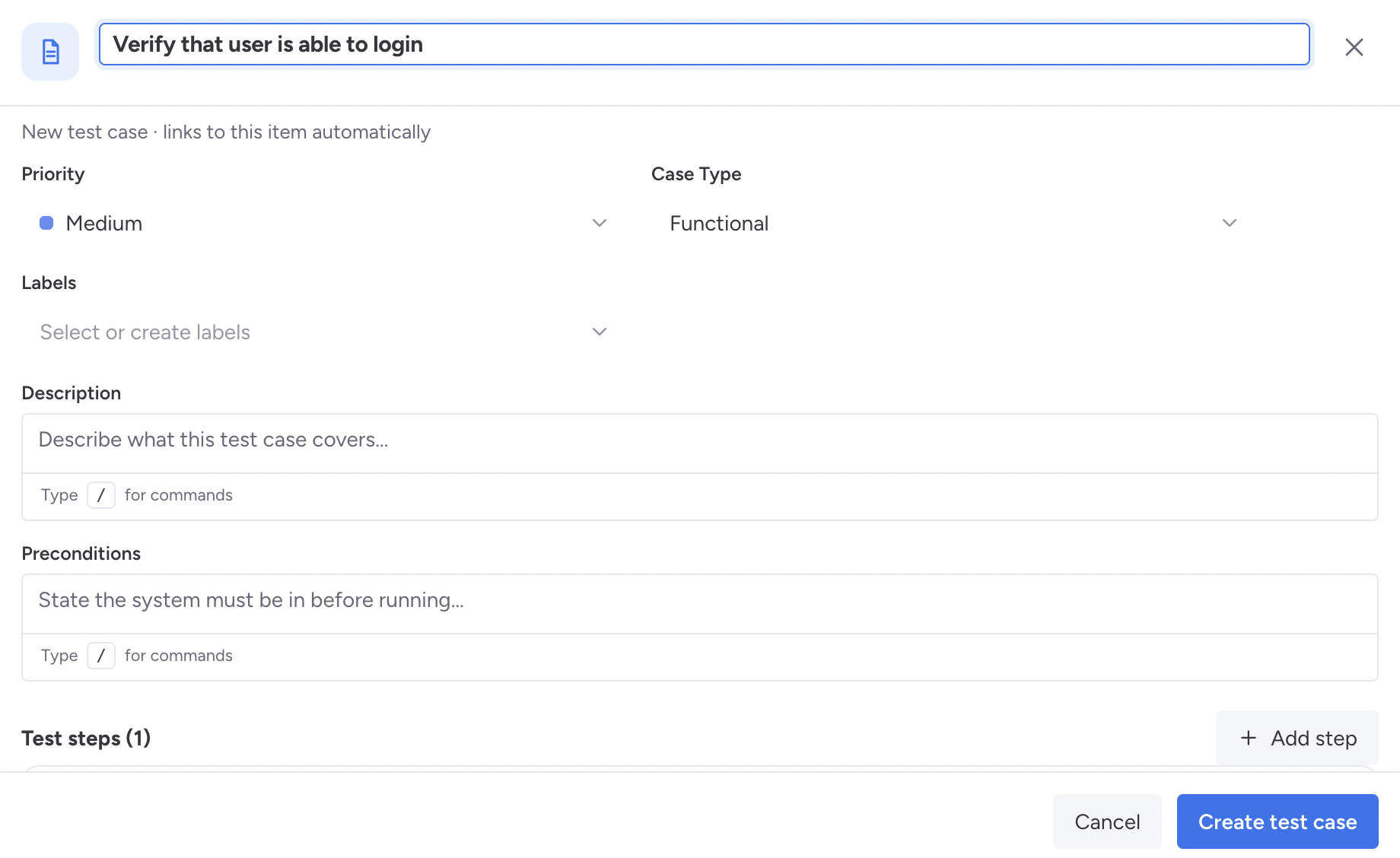
A blank test case opens in the editor.
Fill out all required details, including the headline, case type, and other fields.